


Want to create something similar?
Get estimation for your requirements for free as well as kick start your project within 24 hours.
Contact Us
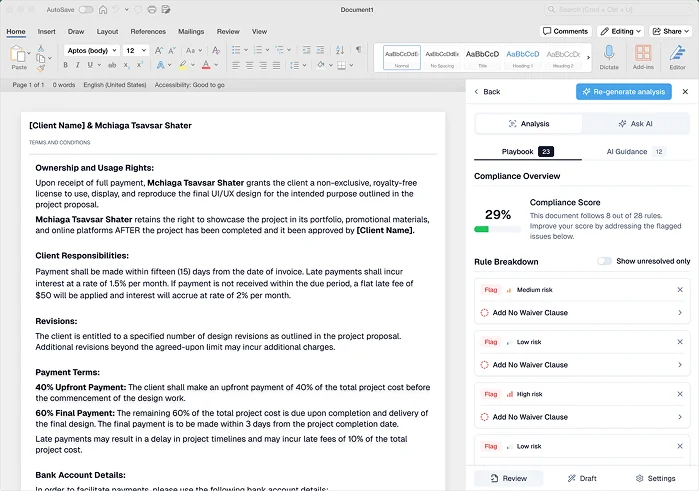
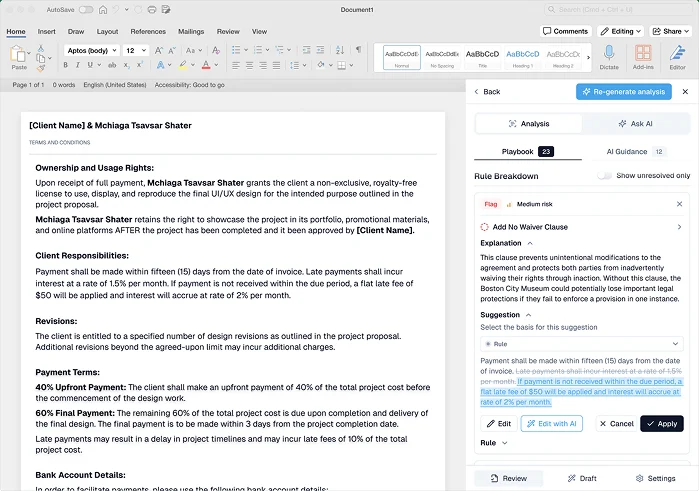
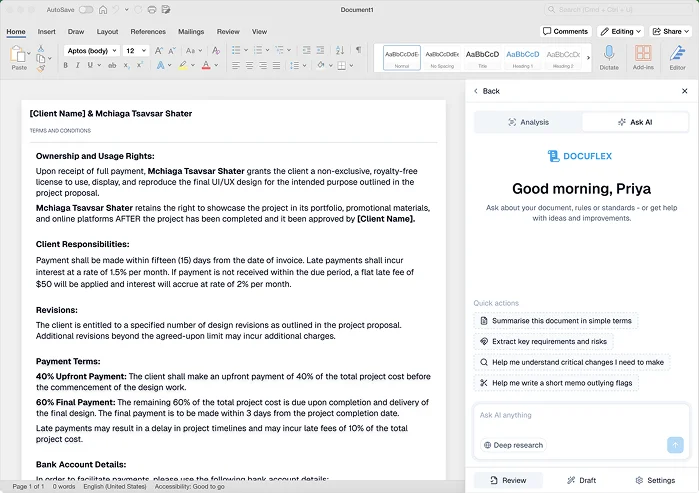
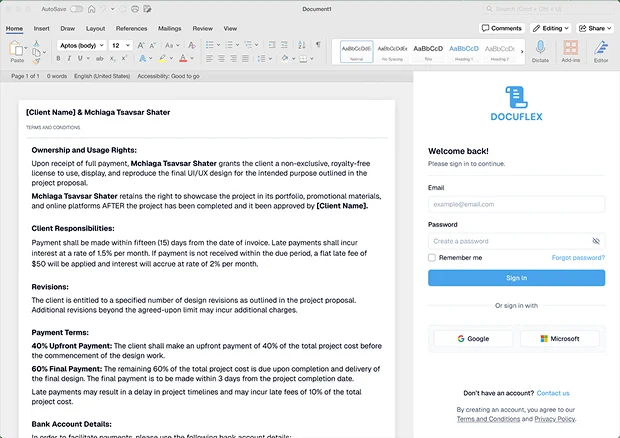
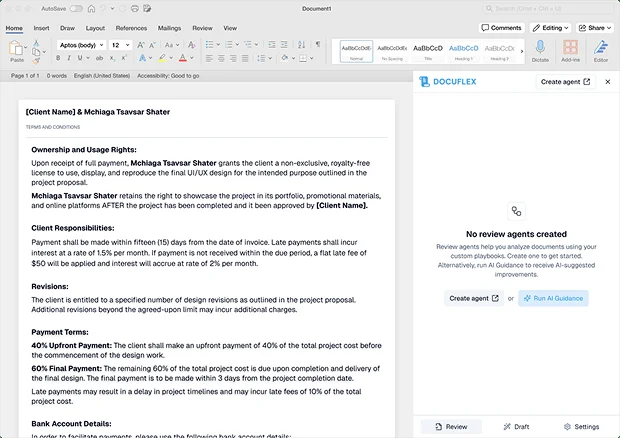
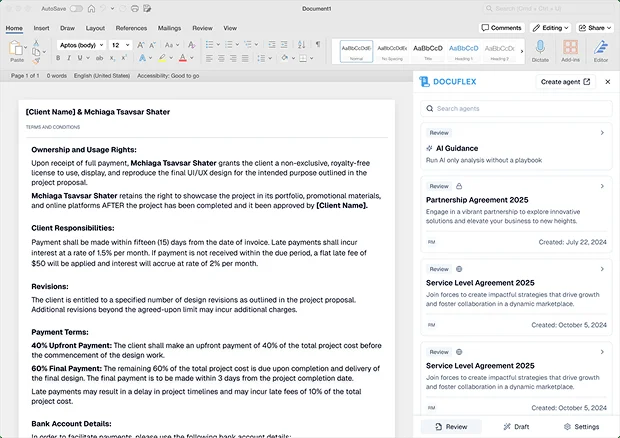
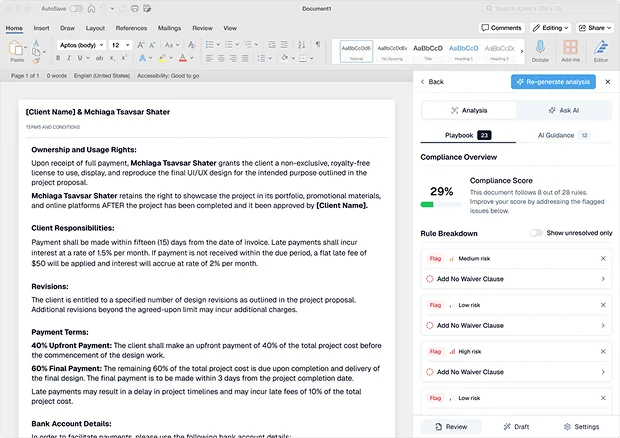
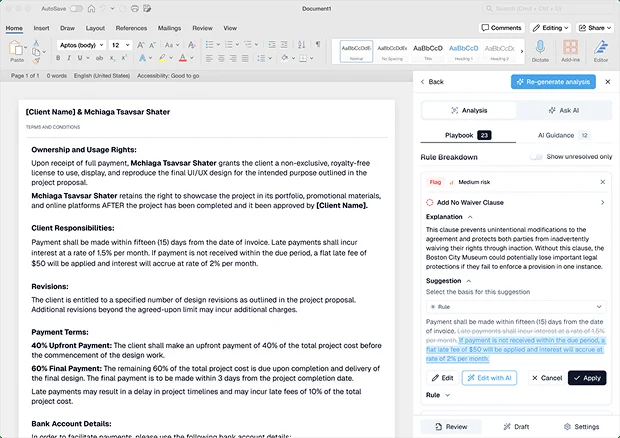
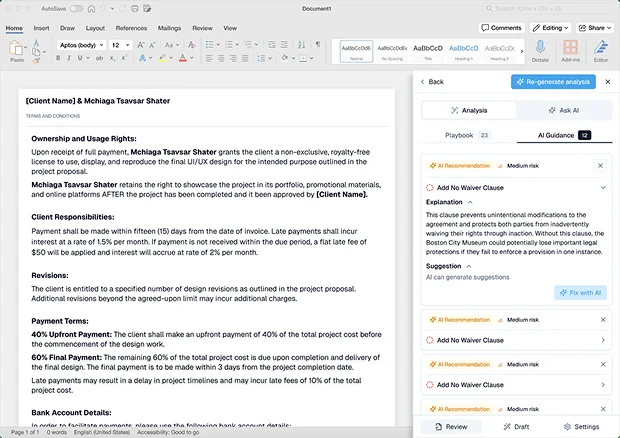
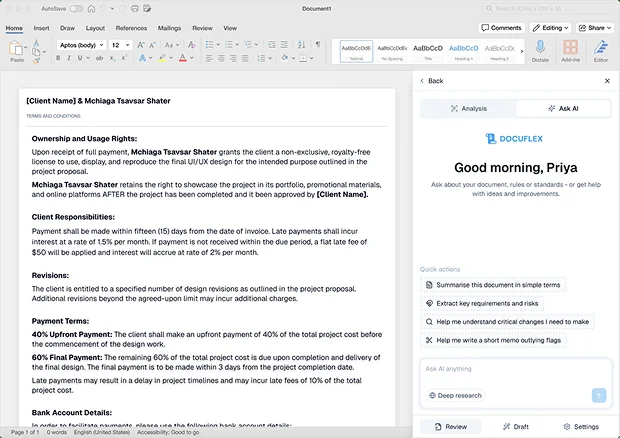
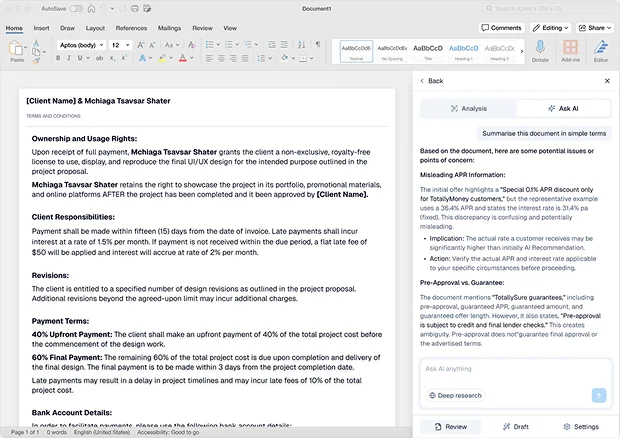
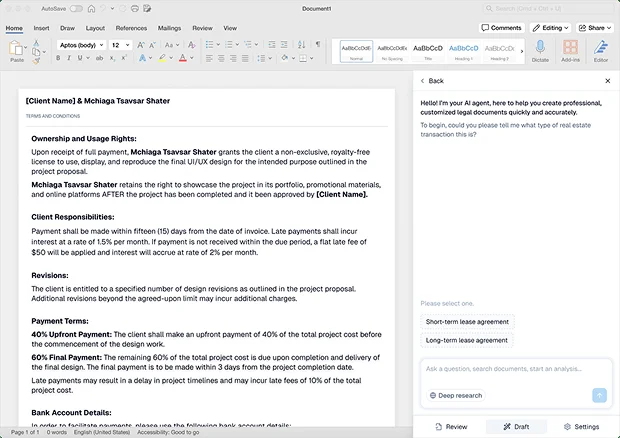
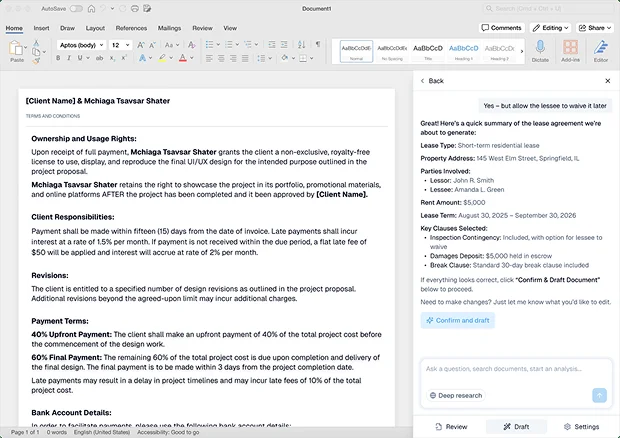
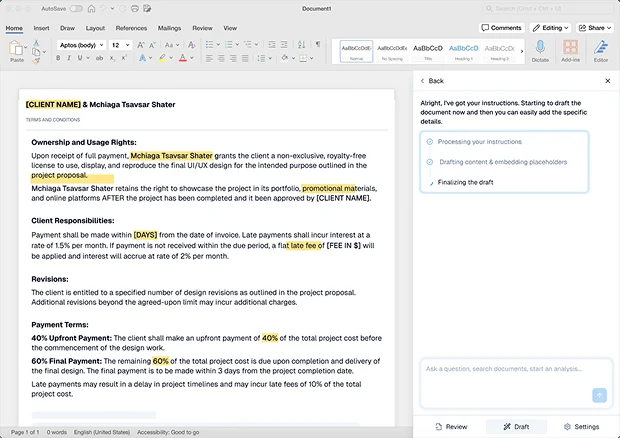
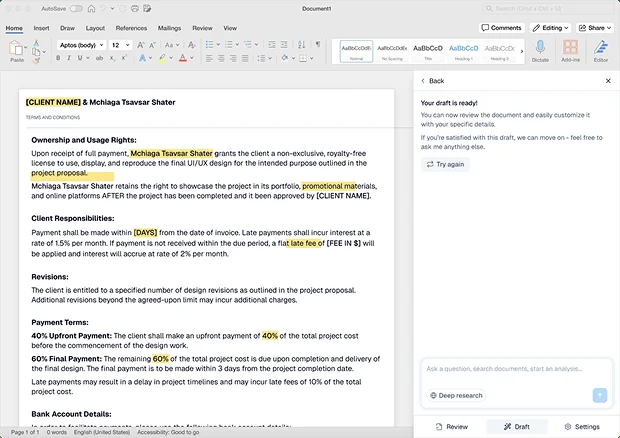
Leverage AI guidance and automation to prepare, revise & manage legal documents easily within the familiar environment of Microsoft Word. DocuFlex reshapes complex compliance and playbooks into simple, actionable user experiences.

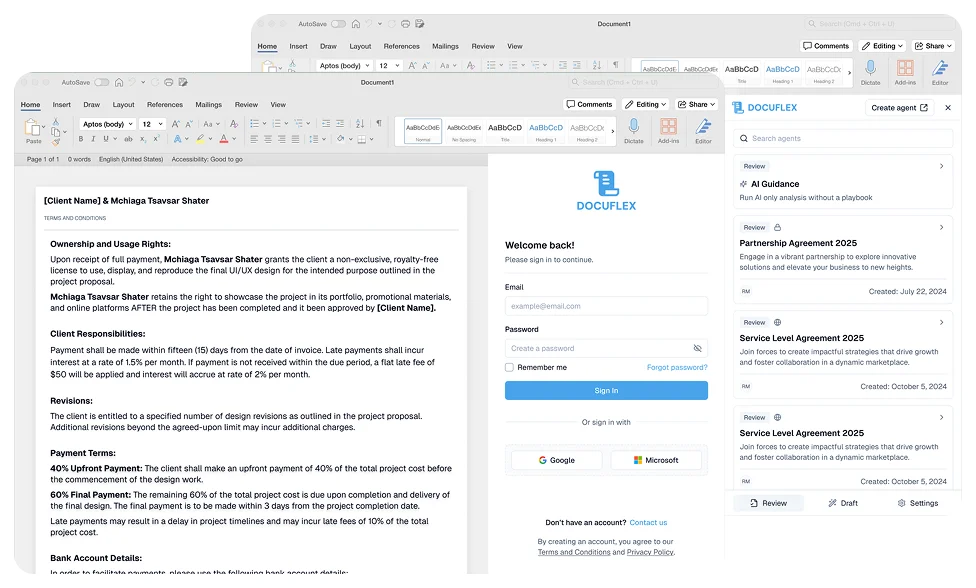
DocuFlex is an AI-powered Microsoft Word add-in for legal, compliance, and business teams that provides them with document management proficiency and fast turnaround. The features of AI guidance, playbook rule management, compliance checking in the moment, and content updating automation are just some of the ways through which DocuFlex by Top Fidelity integrates intelligence into the flow of document work every day, without having to even leave Word.
Request a consultation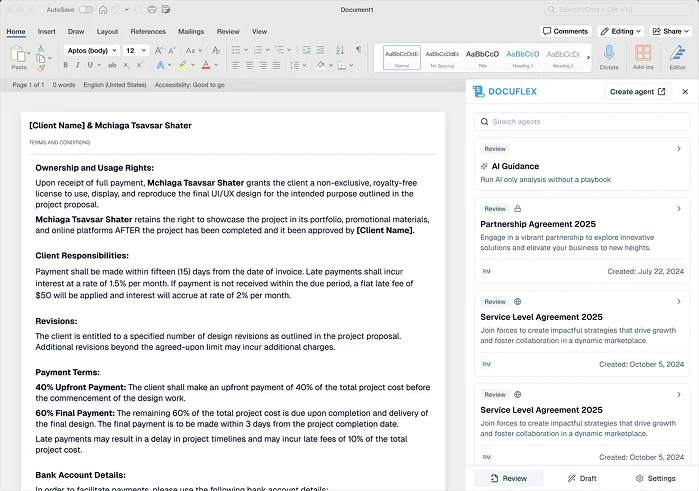
Get estimation for your requirements for free as well as kick start your project within 24 hours.
Contact UsOur clients share their experiences of working with us to build reliable digital solutions that address real business needs. Explore their feedback to learn how our team helps businesses improve processes, adopt the right technology, and turn ideas into successful solutions.


 Indonesia
Sonat Yalcinkaya
Founder & CEO of Soyaka"I am the founder and CEO of the Shox application and Soyeka AI.I've been working with the Concetto Labs team for about two years at this point. They have worked with us in a very productive, supportive, and collaborative manner ever since day one. I appreciate you talking with me."

 Botswana
James Mukabi
Founder & CEO of Kgalagadi Pharmacy"I'm James Mukabi from Botswana, and I'm a happy customer of Concetto Labs.In order to create our new medicine delivery app, we built Concetto Lab.I discovered the Concetto Labs crew to be highly professional and knowledgable about their job when we were developing the app. The crew is welcoming, they listen to you, and they walk you through each step as the project takes shape. Finally, I can attest that the product was precisely what we had envisioned."

 USA
USA
Kevin Cooper
Founder & CEO of Skrachy"I am the creator and CEO of Scratchy, a DJ-focused digital streaming platform.About 2.5 years ago, I approached the Concetto Labs team with nothing more than an idea and a vision.The team at Concetto Labs was able to implement that notion & goal.A streaming platform by the name of Scratchy also has a built-in marketplace, an advertising engine, and a mobile app.Without the Concetto Labs team's devotion & commitment, I'm not sure how I would have been able to do this."

 Italy
Italy
Francesco Defazio
Founder & CEO of HoliSoft"My company is a software house, but we have no expertise in web development.We have been working with Concetto Labs for two years.We are very happy with our collaboration because they are very efficient, fast, and also have excellent graphic solution.Thank you, Concetto Labs."

 Panama
Andres
Project Manager at Fennix Global"These are a few justifications for choosing Concetto Labs for your upcoming website project.They are quick implementation timeframes, capable & accommodating customer service, and frequent meetings that facilitate seamless project progress.Concetto Lab provide a strong foundation that will meet our demands for a number of years.For anyone searching for solutions for website development, I heartily suggest them."
 USA
USA
Mercy Nyamangwanda
Founder & CEO of KAI App"My name is Mercy. I am the owner of the Kai app, and I had the chance to collaborate with Concetto Labs to have this fantastic software made for me.Because I had the finest experience, I would give it a five out of five. It was always excellent, quite professional, and the software was well-liked.And if I were to work with them again, I'd suggest Concetto Labs to anyone looking to download or make apps."

 Australia
Stephen Joseph Donohue
Founder of True Serendipity PTY LTD"Hi, guys. My name's Donohue. I work from the Gold Coast in Australia. I've been developing SaaS apps now for a year or so, generally through base44. My most recent apps are Freelance Synergy and Smallbiz AI Solutions. I've also produced a WordPress blog from Smartbiz Metrix, which I've also created. The Freelance Energy and Small Biz AI were Developed and QA by Rahul and Gaurav from Concetto Labs. These guys are just brilliant. They're so easy to work with. They've done a wonderful job. I couldn't recommend them enough. They're always there when I need them. Even if one particular project is finished and something goes wrong with it, I give them a call and they fix it for me instantly. So highly recommended. I definitely will be using them again, and I suggest you do as well."








Reach out for inquiries, partnerships, or support. Our team is ready to assist you.
YEARS OF EXPERIENCE
TECHNOLOGY EXPERT
CLIENT RETENTION RATE
MOBILE APP DEVELOPED
HAPPY CLIENTS
WEB APP DEVELOPED


